Professional Smart WirelessAlarm Hub & System Solution
Unified security gateway connecting battery-free door, perimeter & asset sensors · Instant mobile alerts · Local siren integration · Built for installers and security integrators
Bring every protected zone into one response system.
Connect Apeiron Guard battery-free door and window, perimeter, and artwork sensors through the Mini Alarm Hub, with support for multiple locations, zones, and sensor status in the mobile app.
The sensors are self-powered and require no replacement batteries. The Mini Alarm Hub itself requires a stable 5 V, 1 A USB power source; no backup-power capability is claimed in this review.
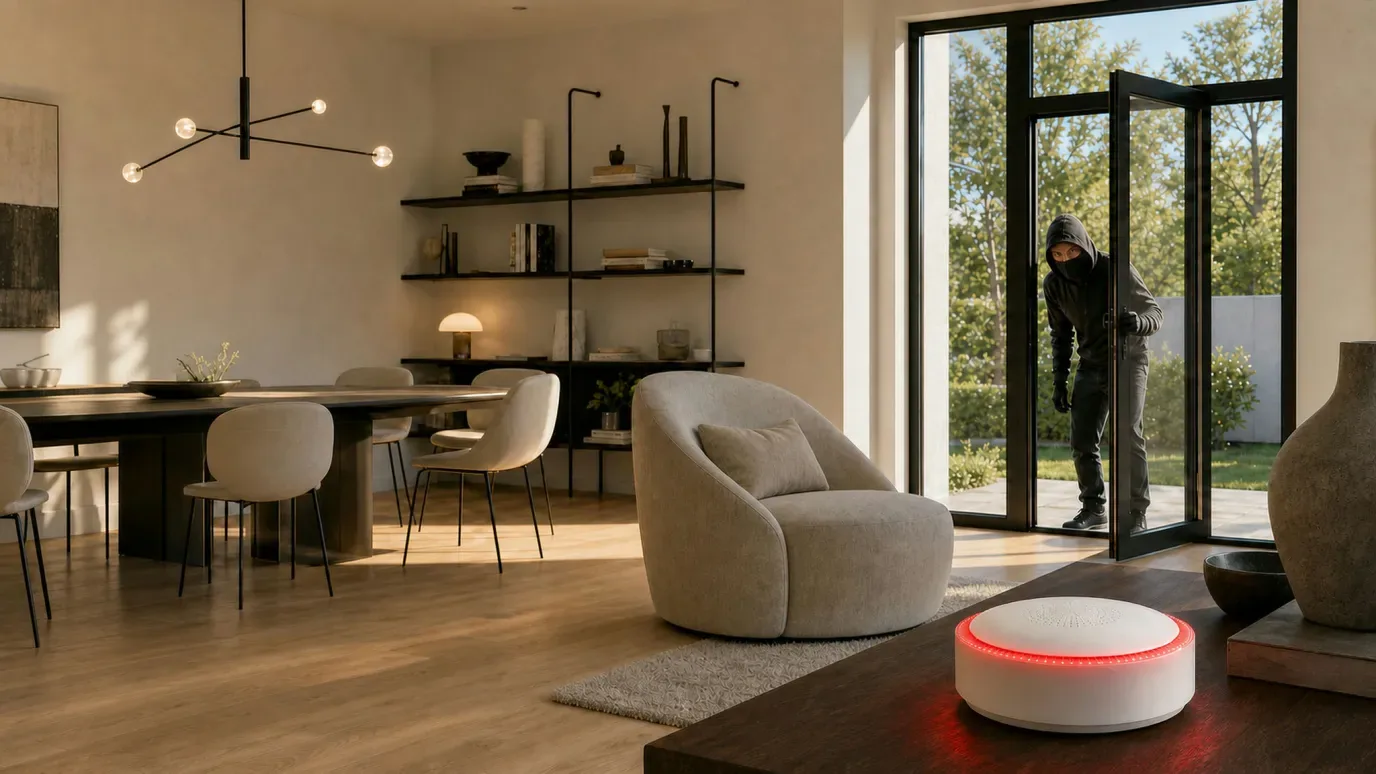
Local siren and real-time mobile alerts.A triggered sensor can sound the Hub’s built-in siren, flash its red warning light, and generate a mobile app notification.
Choose the right receiver
Two response paths for different projects.
Build a zero-maintenance sensor network around the Hub and app, or connect the same battery-free sensors to an existing professional system through the Wireless I/O Module.
For complete Apeiron systems and managed properties
Mini Alarm Hub + Mobile App
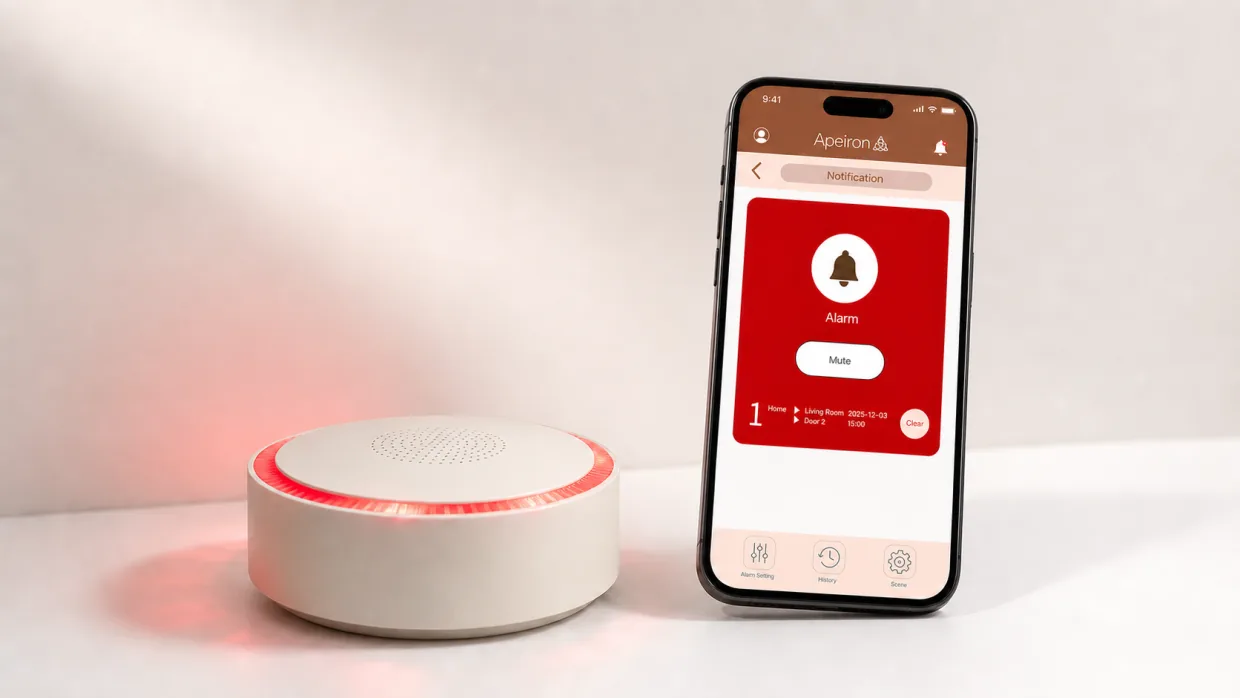
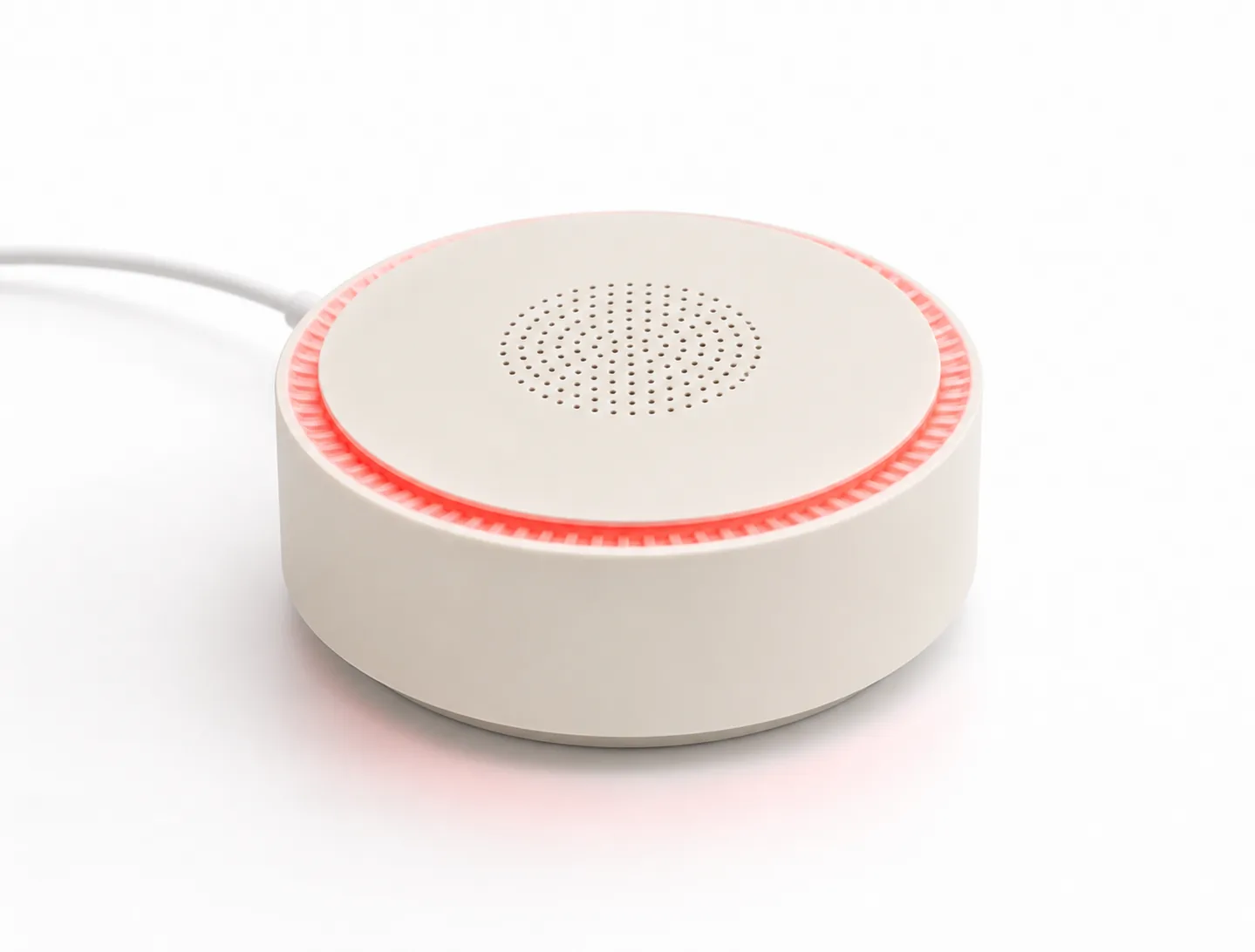
The compact tabletop Hub receives sensor alerts, sounds its built-in siren, flashes red, and sends the event to the mobile app through a configured 2.4 GHz Wi-Fi network.
Built-in local siren and red warning light
Real-time mobile notifications
Multiple locations, zones and sensor status
Alarm and system-action history for up to seven days
For installers and existing security systems
Apeiron Wireless I/O Module
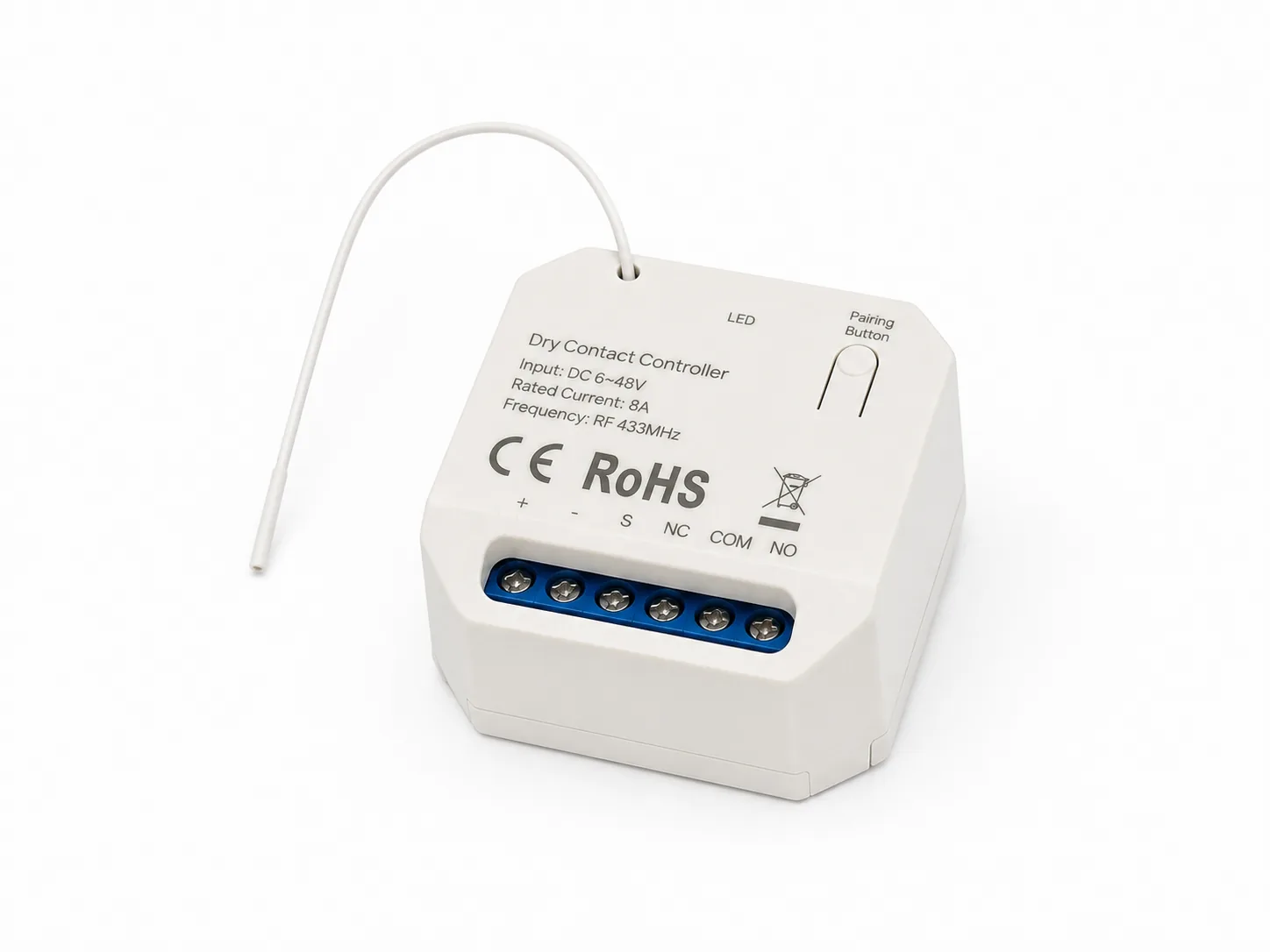
The module receives Apeiron sensor signals over RF 433 MHz and converts them into dry-contact output for an existing alarm panel, smart-home panel, or control system.
Pairs with up to 10 Apeiron sensors
Dry-contact terminals: NC, COM and NO
Low-voltage DC 6-48 V input
Compact 43 × 43 × 20 mm enclosure
From sensor event to action
The same battery-free sensor signal can trigger the response you need.
Apeiron sensors generate and transmit the alert without sensor batteries or cable runs. Your selected receiver determines what happens next.
01
A sensor is triggered
A door or window opening, perimeter pressure, or protected artwork movement creates the security event.
02
The alert transmits
The battery-free sensor sends its RF 433 MHz wireless signal to the selected receiver.
03
The receiver responds
The hub sounds and notifies the app, or the I/O Module signals the connected alarm system.
04
People can act
The local warning, mobile notification, or existing system workflow gives people the information needed to respond.
Product details and trade support
A simple receiver choice for each installation.
Use the Hub and app for an Apeiron-managed alert experience, or the I/O Module for backend integration. HK installers can request technical datasheets, a demo-kit discussion, and commercial pricing.
Mini Alarm Hub + App
Role
Wireless receiver and indoor siren
Local alert
Audio siren and red warning light
App support
Android and iOS
App functions
Sensor control, status, notifications, locations and history
Clear answers for installers and system integrators.
Confirm the receiver, power, app, and integration path that fits the project.
Are the Apeiron sensors and Mini Alarm Hub all battery-free?
The sensors are self-powered and battery-free. The Mini Alarm Hub is not battery-free; it requires a stable 5 V, 1 A USB power source. No Hub backup-power capability is claimed in this review.
What does the Mini Alarm Hub do when a sensor is triggered?
It receives the wireless event, sounds its built-in siren, flashes red, and sends the alert into the Apeiron mobile app workflow.
What can the mobile app manage?
The app supports sensor control and status, real-time notifications, multiple locations and zones, and alarm or system-action history for up to seven days.
What does the Wireless I/O Module connect to?
It provides dry-contact output for integration with an existing alarm panel, smart-home panel, or other compatible control system. It is backend integration hardware and does not act as a siren or app controller.
Alarm Hub + App + System Integration
Request the alarm-hub path that fits your project.
Request technical specifications and commercial pricing, or arrange an on-site demo discussion. Our HK technical team aims to respond within 1 business day.