
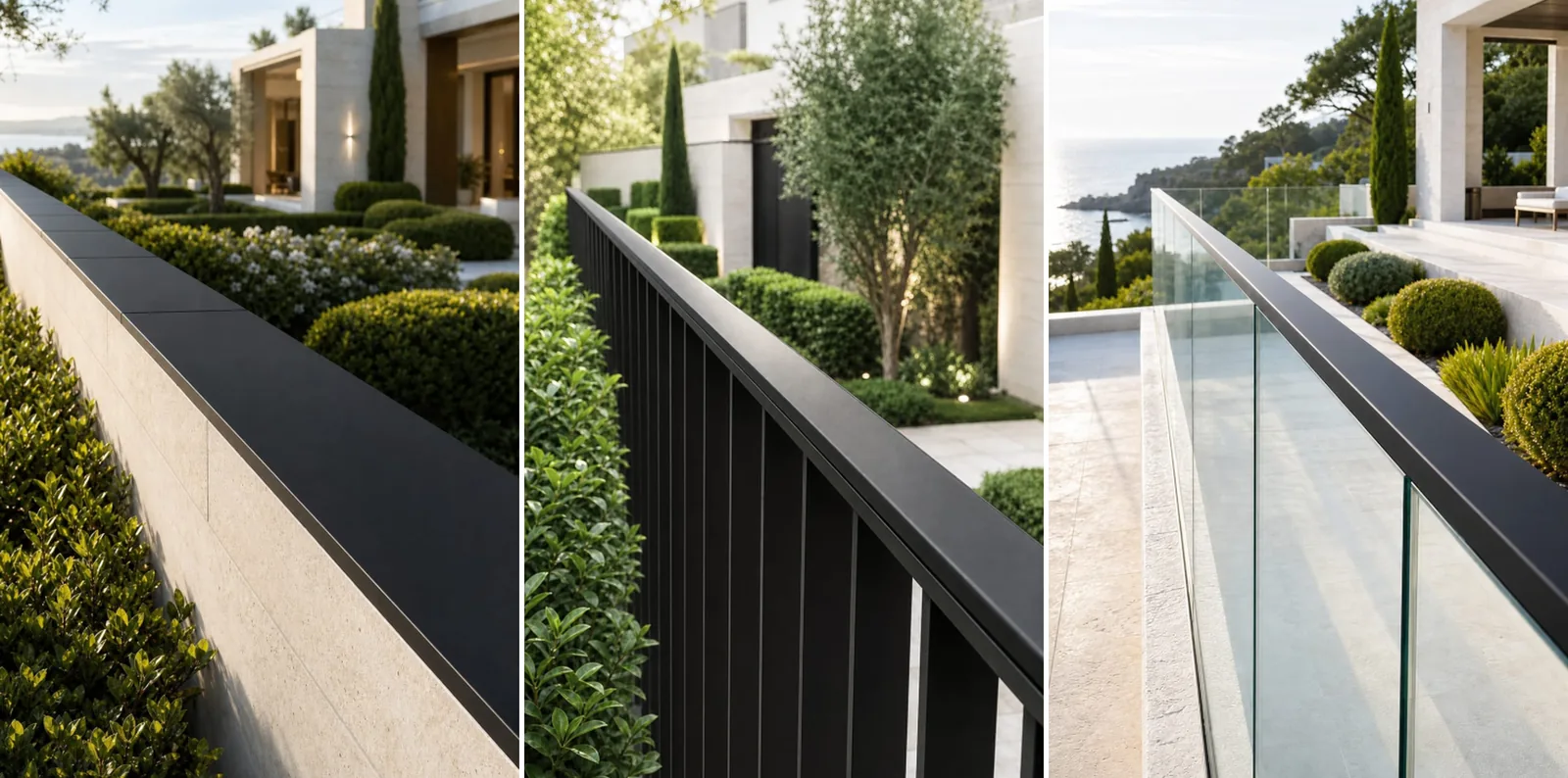
What is wireless perimeter security without wiring?
Wireless perimeter security without wiring uses field sensors that transmit intrusion events by radio instead of signal cable along the boundary. Apeiron Guard climb-detection sensors also operate without replaceable batteries: pressure from a climb attempt generates the energy needed to send the wireless event.
The aim is earlier detection. Door and window sensors protect the building openings, while a perimeter layer can identify physical pressure at a wall, fence, gate or glass balustrade before an intruder reaches those final entry points.
Removing perimeter signal cable simplifies many retrofit projects, but it does not remove the need for professional planning. Surface geometry, mounting, radio conditions, vegetation, access, receiver placement and the required alarm response still determine whether the design will work reliably.
A reliable plan connects four decisions.
Start with the complete boundary, not an isolated sensor
Walk the full perimeter and divide it into practical protection zones. A single property can change from masonry wall to timber fence, metal gate and glass edge within a short distance. Each transition can affect sensor type, mounting method, radio performance and the way zones should be identified during an alarm.
Questions to answer during the site survey
Where could a person gain hand or foot support?Focus on realistic climb paths, including corners, level changes, gates and nearby structures.
Which sections need separate identification?Zones should help the user or monitoring team understand where the event occurred.
What could interfere with the protected edge?Check vegetation, loose materials, moving objects and regular maintenance access.
Where can the receiver be installed and tested?Consider building materials, distance and the actual signal path from each boundary section.
Match the sensor category to each surface
Wall tops, fences and glass balustrades can form one continuous security boundary, but they should not be treated as identical mounting surfaces. The product category and placement should follow the local edge profile and the pressure event that needs to be detected.
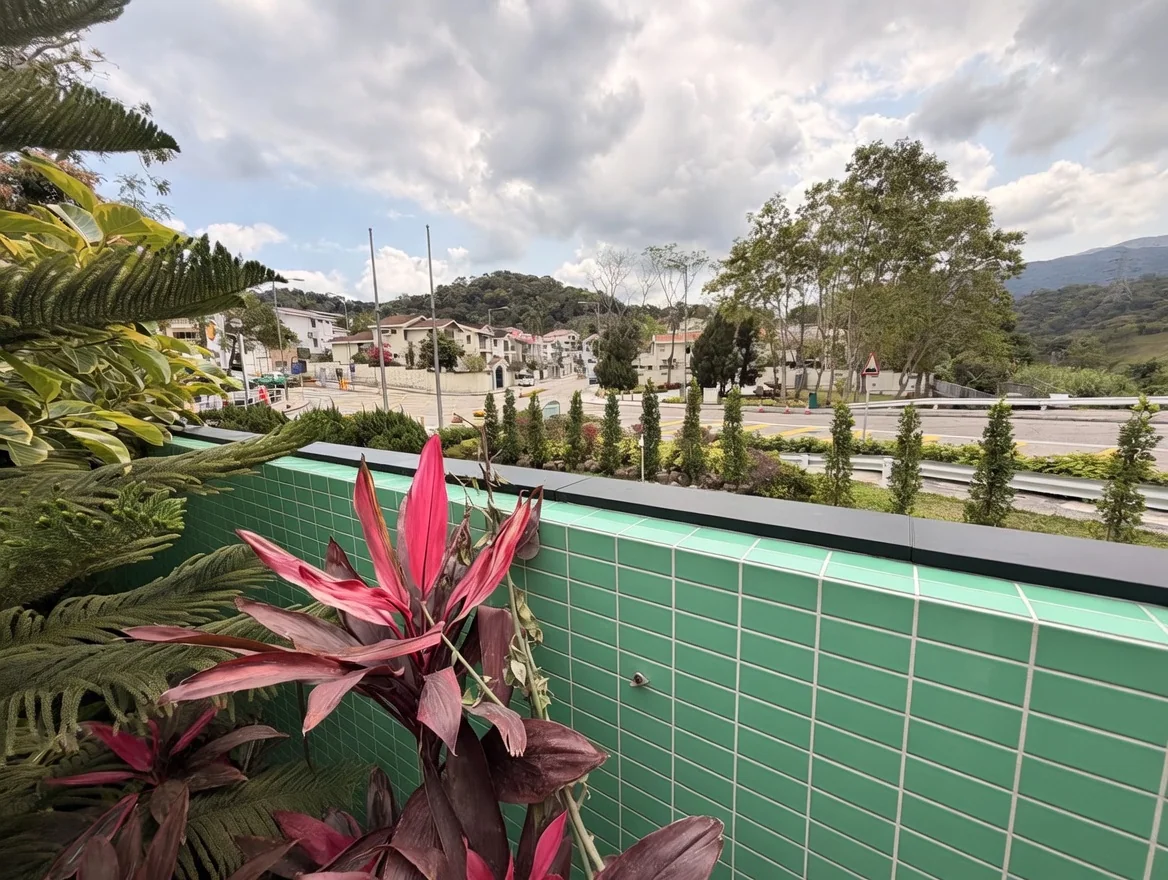
Solid walls
Confirm the usable width, cap material, corners, slopes and plants along the wall top. Keep the detection line consistent through changes in level or finish.
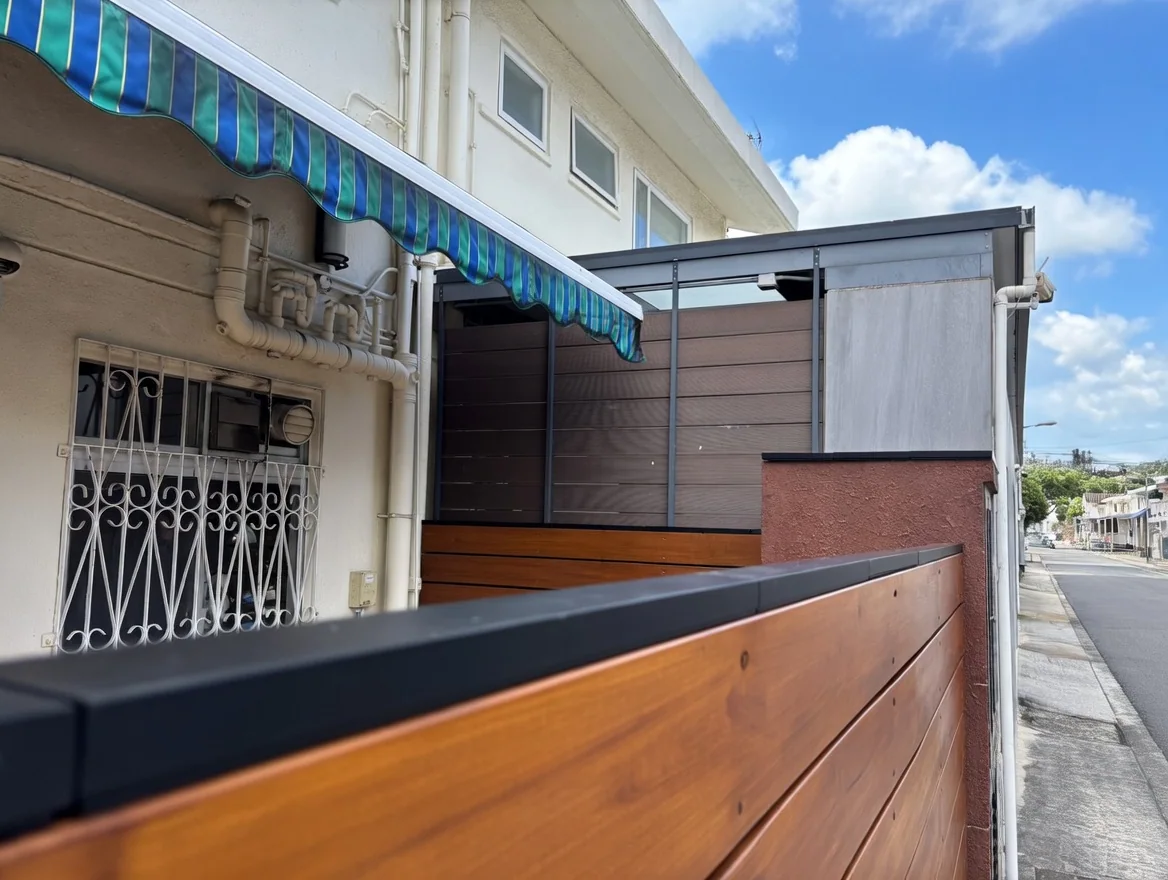
Fences and gates
Review panel movement, post spacing, gate operation and the stability of the top edge. The mounting surface must transfer the intended climbing pressure without interfering with normal use.
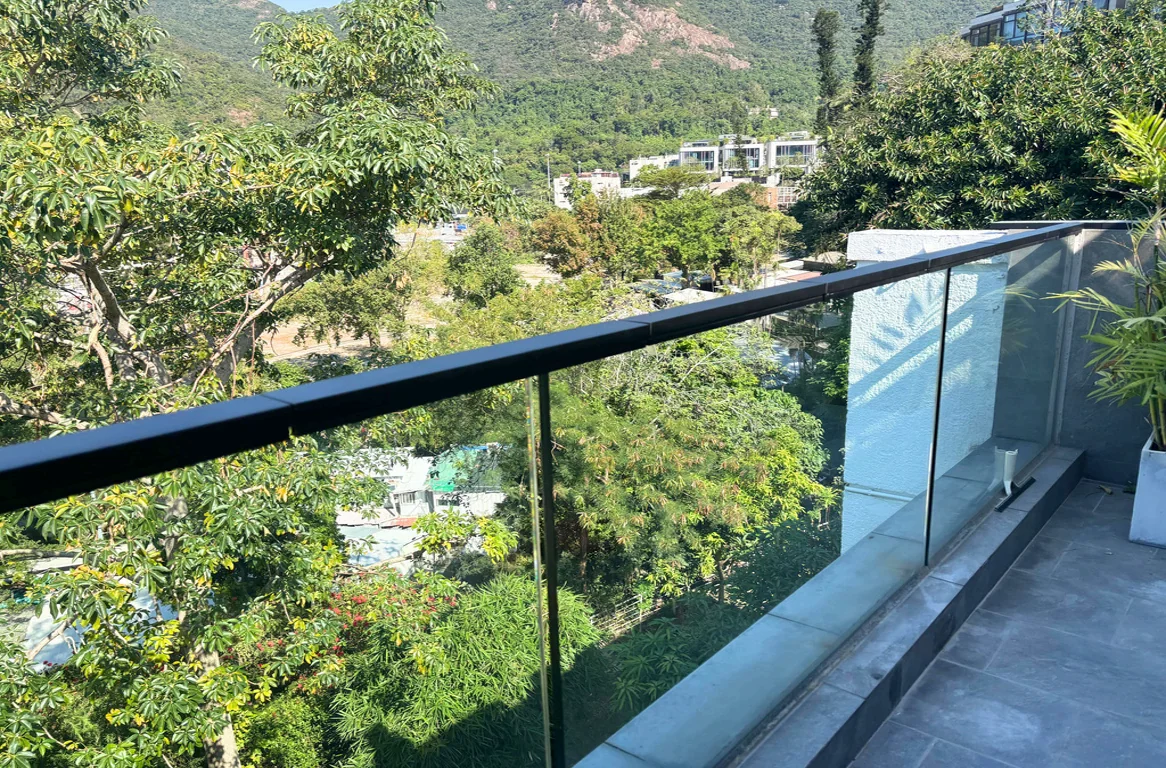
Glass balustrades
Protect the exposed edge while respecting brackets, handrails, returns and finished architectural details. Alignment and visual integration are especially important on transparent boundaries.
What does “without wiring” mean in a real project?
At the field-sensor level, Apeiron Guard climb-detection sensors need no wired power connection, signal cable or replaceable battery. The physical pressure event supplies the brief electrical pulse needed for the wireless transmission.
This architecture can remove long cable routes around the garden or property boundary. It can also avoid designing future maintenance access around field-sensor battery replacement. The installer still needs to plan the powered receiver, internet connectivity where app alerts are required, and any connection to another system.
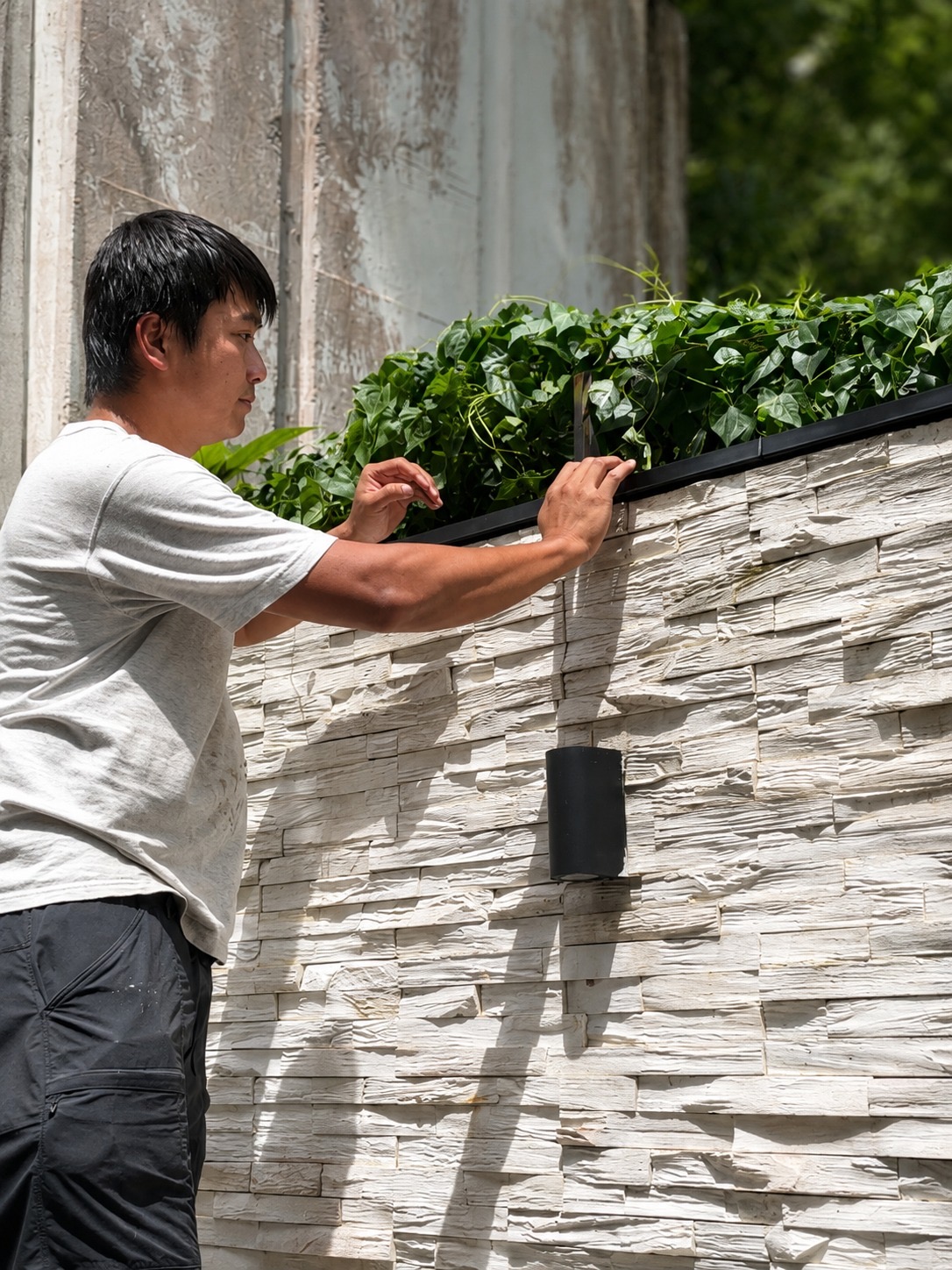
Choose the alarm response before finalising sensor zones
The field sensor detects and transmits the event. The receiver determines what happens next. Select the response architecture early so zone naming, receiver placement, testing and handover all support the final operating model.
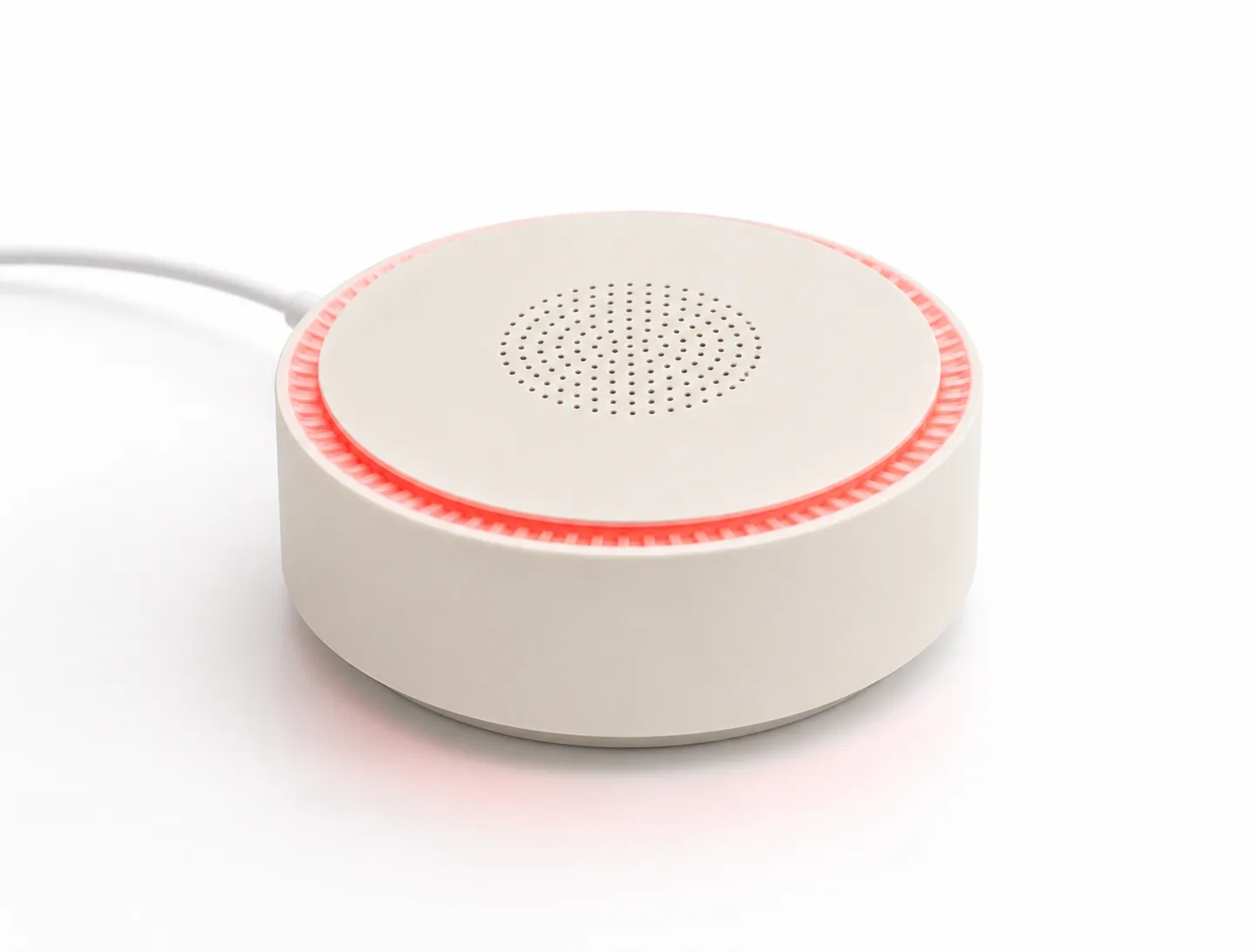
Mini Alarm Hub
Use it for an Apeiron Guard response with local siren, visible warning and mobile-app workflow.
Best fit Standalone homes, smaller retrofits and projects that want direct app awareness.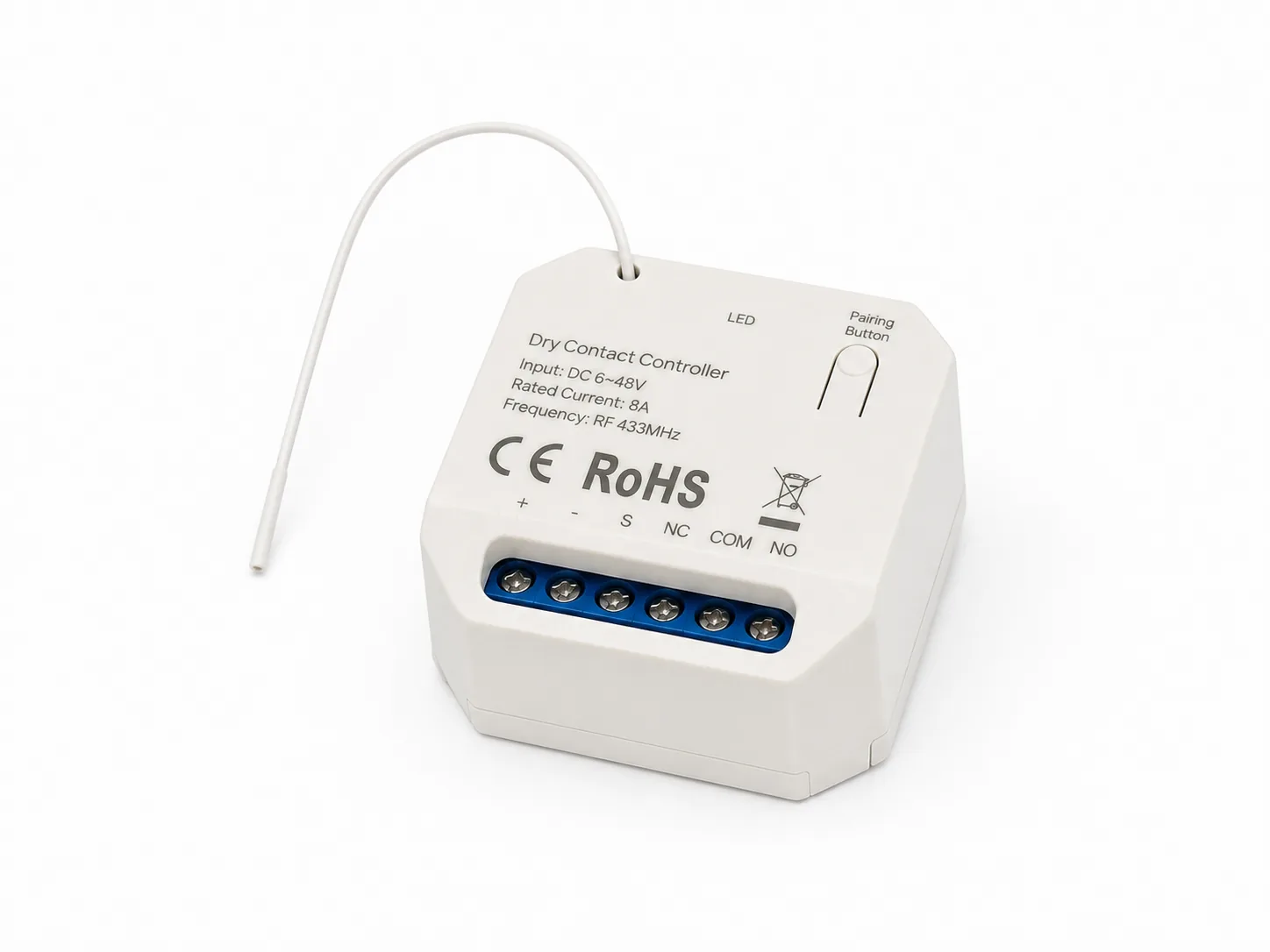
Wireless I/O Module
Use dry-contact output when perimeter events need to enter an existing alarm panel, smart-home controller or other compatible system.
Best fit Professional integrations that already have a central response and monitoring architecture.See the Alarm Hub, app and integration guide for the available response paths.
Plan the mounting method for the actual surface
A no-wire design does not mean every surface uses the same mounting method. The installer should inspect the substrate, clean and prepare it correctly, select a suitable outdoor mounting approach and confirm that the finished position transfers the intended pressure event to the sensor.
In the SecurePro residential project, the installer used structural adhesive on prepared wall, fence and glass sections. That avoided unnecessary drilling and preserved the finished wall surfaces. Other projects may require a different method based on the material, exposure, geometry and manufacturer guidance.
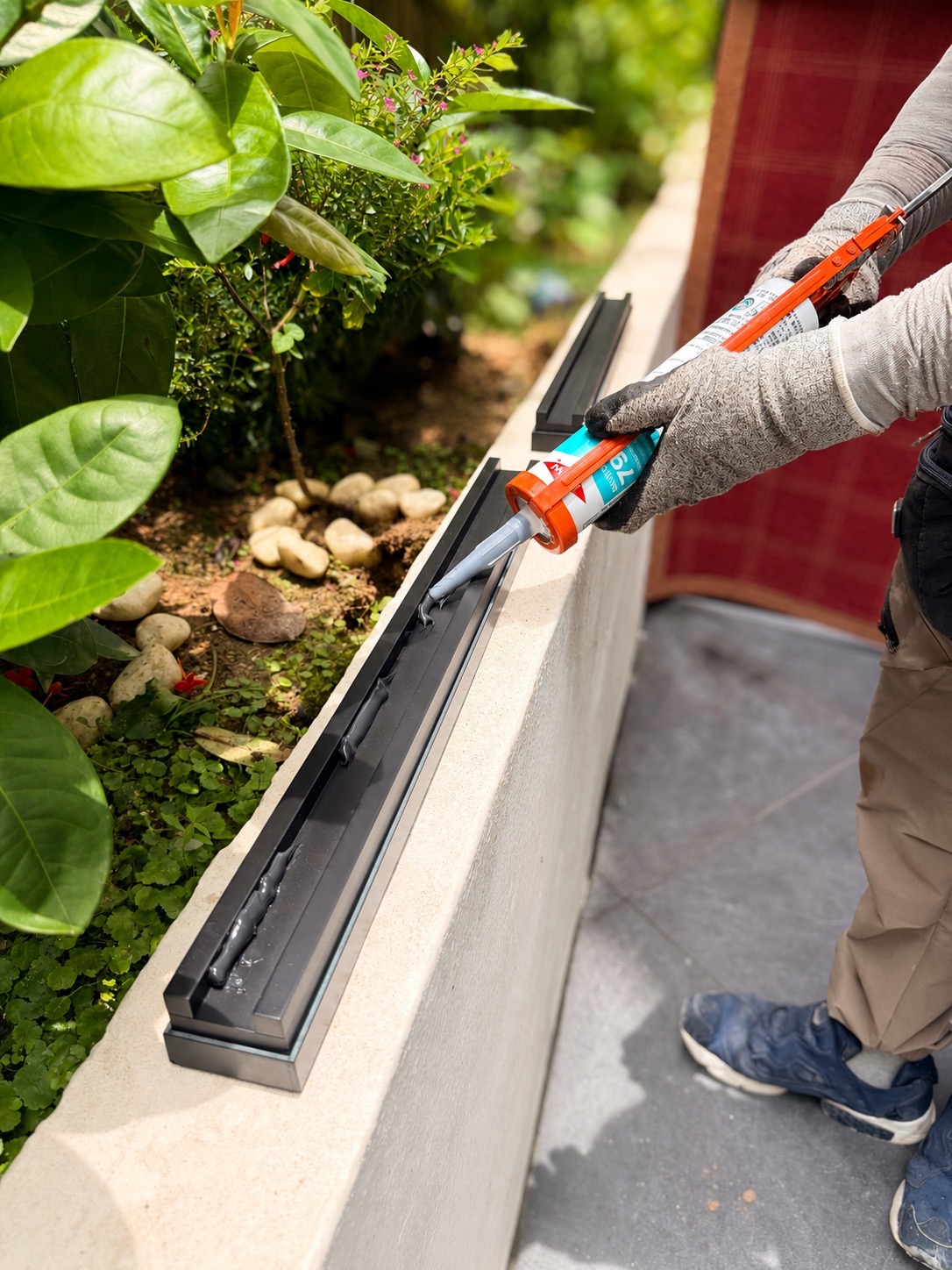
Installation details to confirm
- Surface stability, cleanliness and environmental exposure
- Sensor alignment through corners and level changes
- Clearance from vegetation and moving objects
- Access for installation, inspection and future site work
- Zone labels that match the physical boundary
Commission the complete signal path
Test more than the individual sensor. Commission the entire route from physical pressure at the boundary to the final local alarm, app event or dry-contact input. Repeat the test at each zone and at the most difficult radio locations.
See the planning decisions in a completed installation
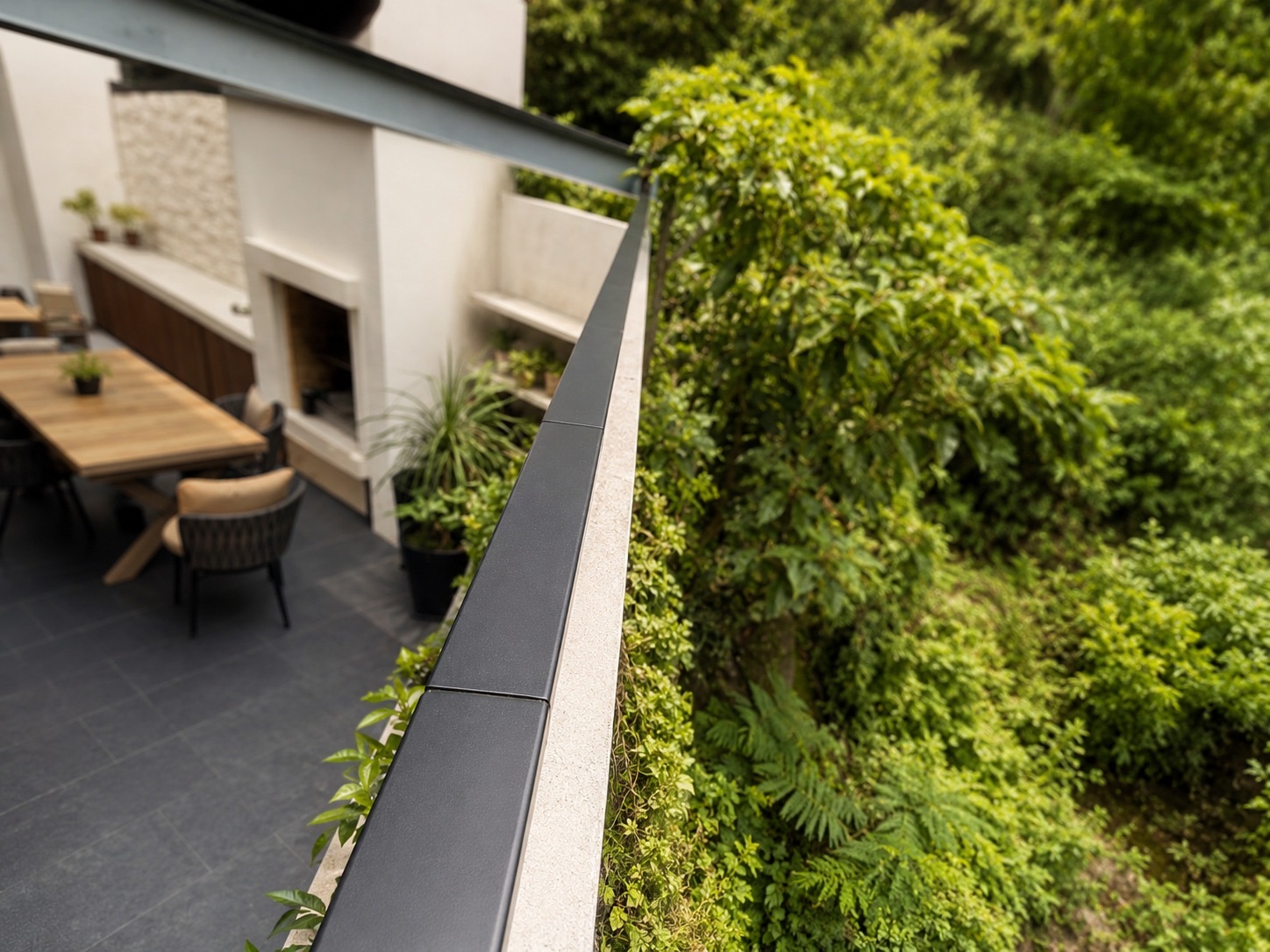
SecurePro residential perimeter project
An independent security professional protected masonry walls, timber fencing and glass balustrades with battery-free wireless sensors and one Mini Alarm Hub.
View the installation case studyWireless perimeter security planning checklist
Boundary and detection
- Map walls, fences, gates, glass and all transitions.
- Identify realistic climb paths and pressure points.
- Choose the correct sensor category for every surface.
- Separate zones where location matters during response.
Installation and response
- Confirm surface preparation and mounting method.
- Survey and test receiver placement and radio paths.
- Select Mini Alarm Hub or Wireless I/O integration.
- Commission every zone through to its final response.
Common planning questions
Where can Apeiron Guard climb-detection sensors be installed?
The series includes categories for solid wall tops, fences or gates, and glass balustrades. Final suitability depends on the surface, edge profile, environment and site survey.
Does battery-free mean the whole system needs no power?
No. The field sensor needs no battery or wired power connection. A powered receiver is still required to listen for wireless events and create the alarm response.
Should the project use the Mini Alarm Hub or Wireless I/O Module?
Use the Mini Alarm Hub for Apeiron Guard local alarm and app response. Use the Wireless I/O Module when events need to enter an existing panel or compatible controller through dry-contact output.
Can the sensors be retrofitted without damaging finished walls?
A wireless design avoids long perimeter cable routes. Suitable structural adhesive can support some prepared surfaces, as shown in the SecurePro project, but the installer must confirm the mounting method for each site.
Is wireless perimeter security a replacement for doors, windows or cameras?
It is an additional early-warning layer. A complete design may combine perimeter climb detection with entry-point sensors, alarm response, cameras and other site-specific controls.
Planning a mixed-surface perimeter?
Tell us what the boundary is made from and how the alarm should respond.